
Umbraco Upgrade to Version 17
This guide outlines the key steps required to upgrade Umbraco to version 17.
Umbraco Upgrade to Version 17
This guide outlines the key steps required to upgrade Umbraco to version 17. It is intended to help the team complete the upgrade consistently, understand the main areas that need review, and avoid common issues during deployment and content publishing.
Quick Upgrade Summary
- Take a SQL backup, where possible.
- Recreate the deployment slot and set it to .NET 10.
- Deploy the latest codebase through the pipeline.
- Log in to the Umbraco backoffice and complete the upgrade wizard.
- Run the uSync import for settings.
- Save and publish all pages using the Klevr publishing option.
- Review all rich text content blocks to confirm they converted correctly.
- Note the updated Umbraco menu layout and the new top-level Klevr section.
Detailed Upgrade Steps
Take a backup of the SQL database where possible. The database should already be covered by a routine backup schedule, but taking a fresh backup before the upgrade provides a safer rollback point if needed.
Delete the existing deployment slot, then recreate a new slot named deploy. You can copy the existing production slot settings, then update the stack settings in the configuration to .NET 10.0.
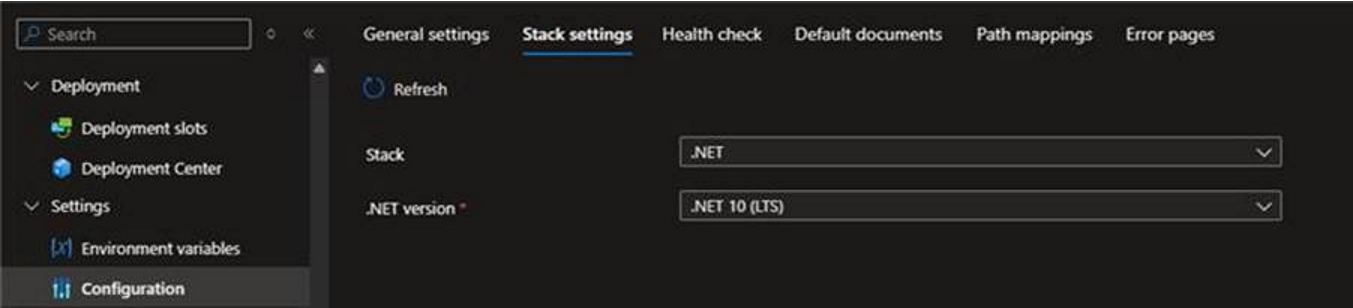
Deploy the latest codebase through the pipeline. Once deployment is complete and you access the website, the upgrade page should appear.
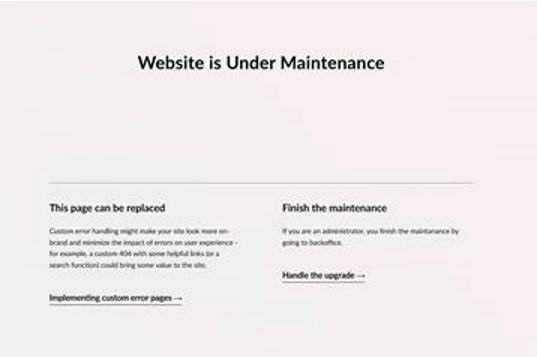
Log in to the Umbraco backoffice. The upgrade wizard will be displayed automatically. Select Continue to begin the upgrade process.

Sign in again if prompted. The front end may continue to show an error until the remaining upgrade steps have been completed.
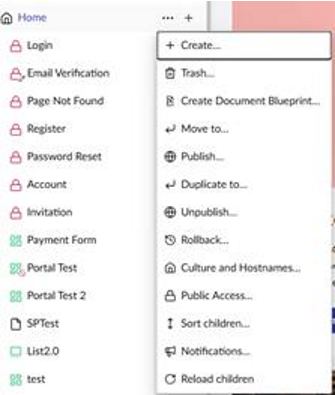
The Umbraco menus have changed slightly in this version. Content actions that were previously available under the "do something else" option are now available from the ellipsis menu, along with a quick create shortcut.

The top navigation has also been updated. The Klevr section has moved out of Settings and now appears as its own top-level menu item.
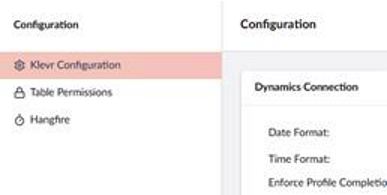
This change makes it easier to access Klevr-specific items in Umbraco and provides better control over which backoffice roles can access the Klevr section.
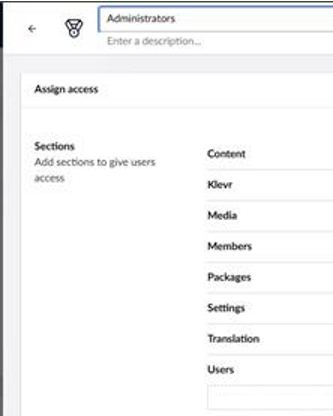
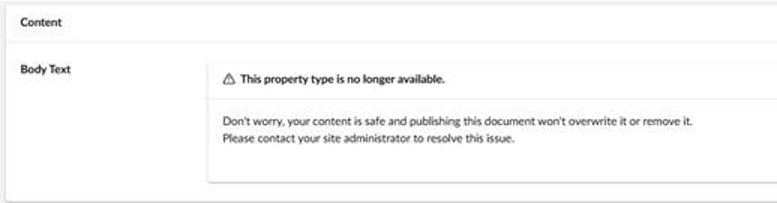
Some property controls have been updated in this version, so content may look different immediately after the upgrade. Run a uSync import for settings first, as this helps update the controls to the new version.
After the import is complete, review the affected content pages. The controls should now display in their converted format.
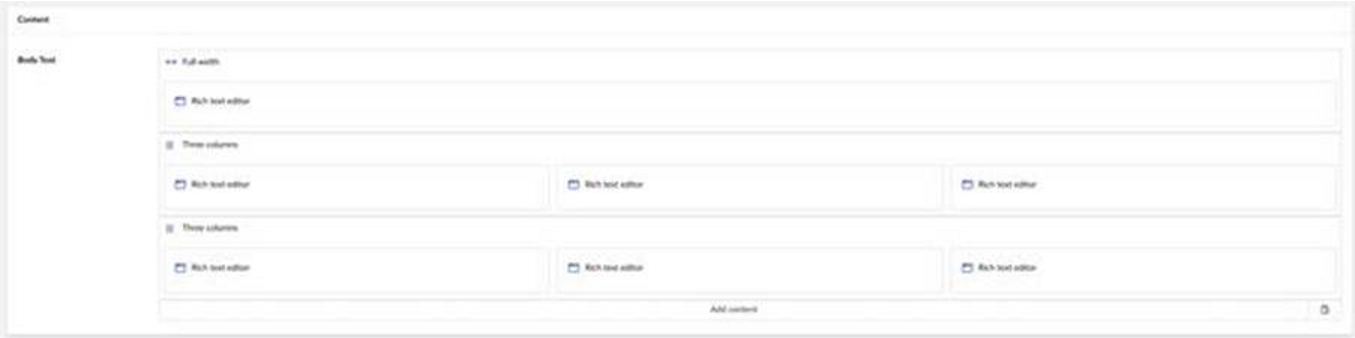
The conversion may not be completely accurate, so all page content should be reviewed carefully, especially pages that include rich text controls.
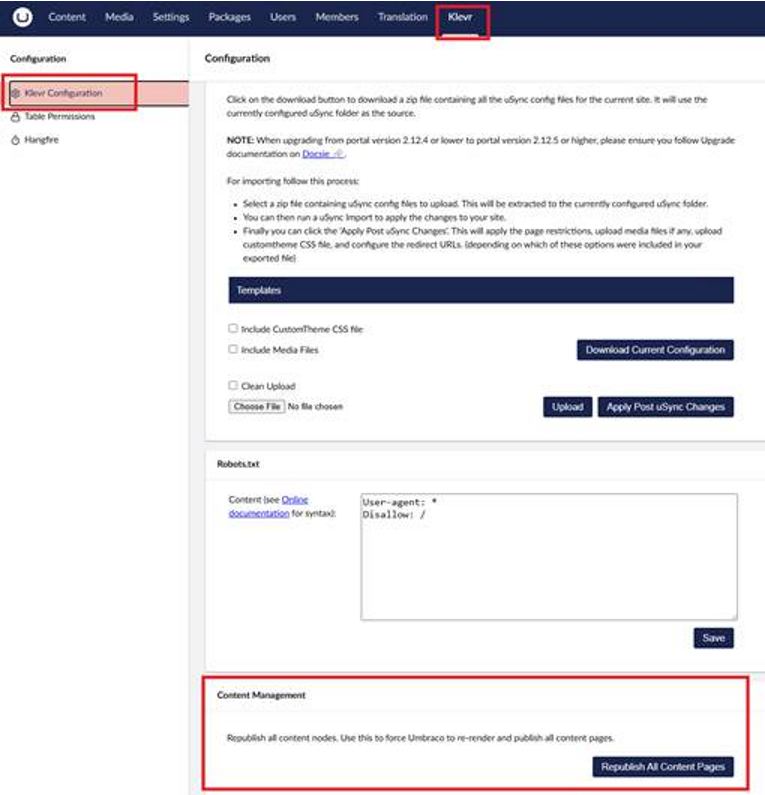
Each page must also be republished for the upgrade changes to take full effect. To make this easier, use the Klevr option to save and publish all pages.
Important Notes
Be careful when importing Klevr configuration or uSync files from a previous Umbraco version after the upgrade. Older configuration files may include rich text control settings from the previous version and could break the upgraded content.
Recommended approach: upgrade the development environment first, update and verify all rich text content areas, then complete an export that can be imported into the upgraded UAT environment and published
Deferring the Upgrade
If you do not want to upgrade Umbraco yet, set the pipeline to deploy version 2.35.3, which is the final version on Umbraco 13.
Last updated on