
How to Guide - Payment Link
You can generate a payment link from an Account, Contact, or Gift Batch.
Detailed Instructions:
You can generate a payment link from an Account, Contact, or Gift Batch. In the example below, the payment was created from a Gift Batch.
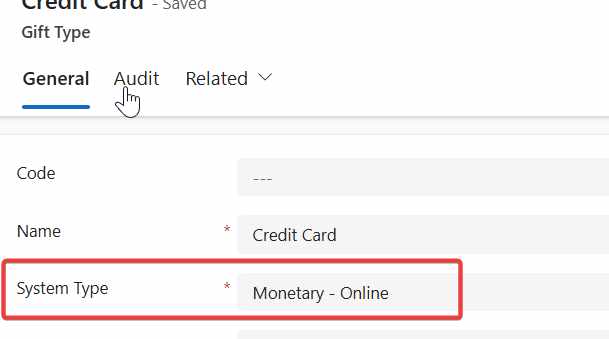
- Go into a Gift Batch record and make sure that System Type is
- Add the Gift record from the subgrid and click on the Payment button.
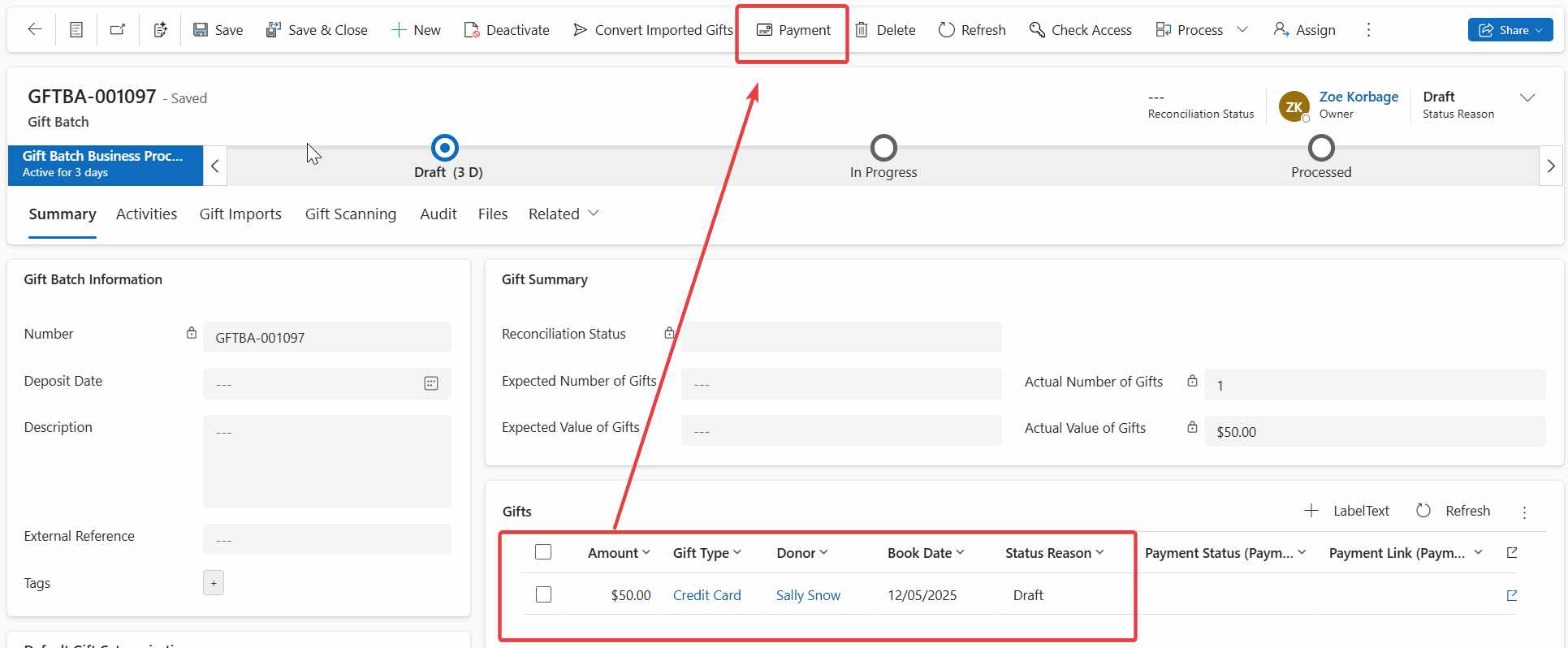
- If the Contact does not have a default payment method, a Payment Link will get generated. Refesh the sugbgrid and you should now see the Payment Link.

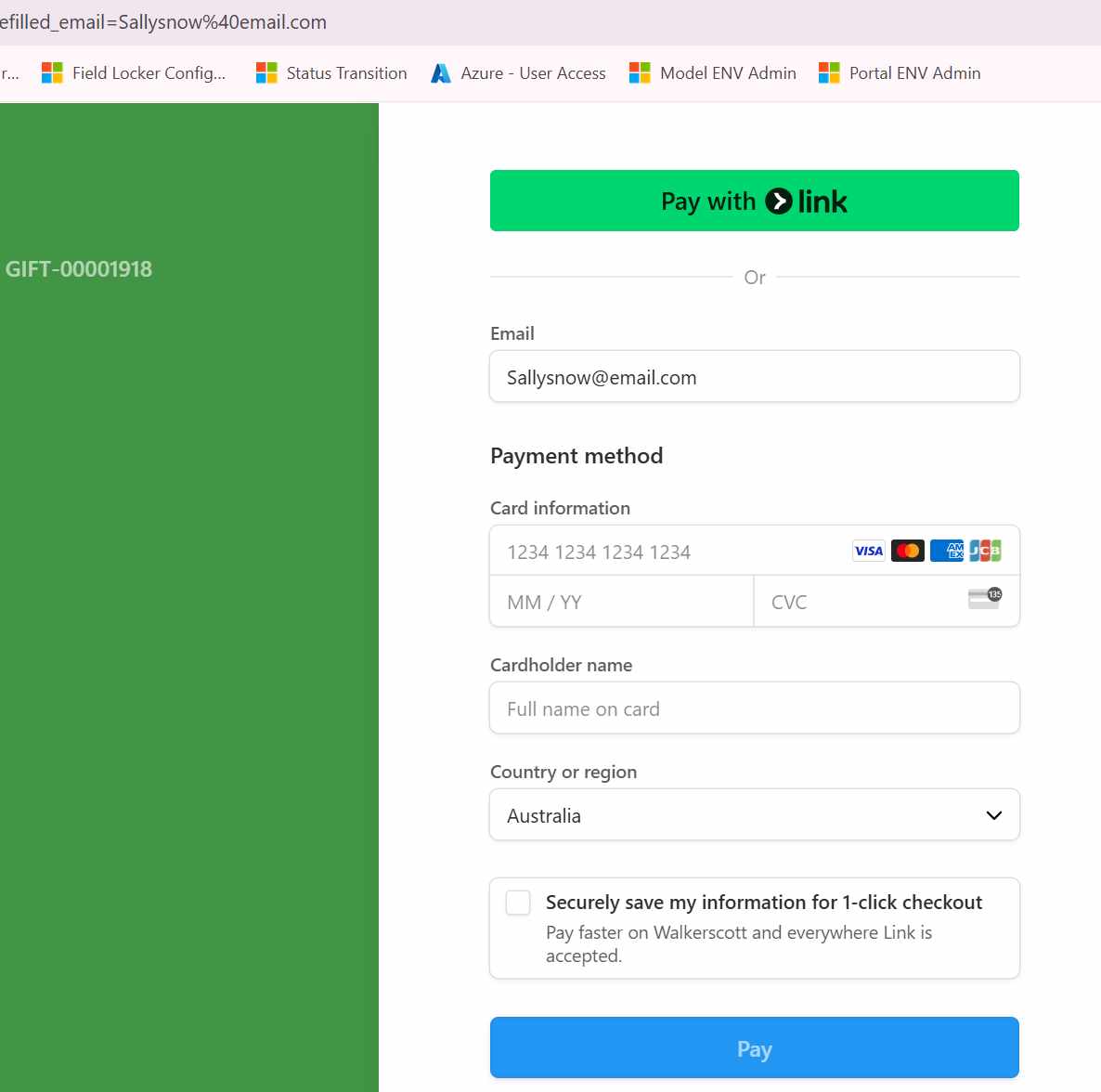
- You can copy the link if you need to email it over to the Donor or click onto it and make the payment, once clicked, you can fill in all the required details
- Once the payment has been made, go back into the Gift Batch record and refresh the page. You will see if the Payment was sucessful and the Gift status updated to Processed.

Last updated on